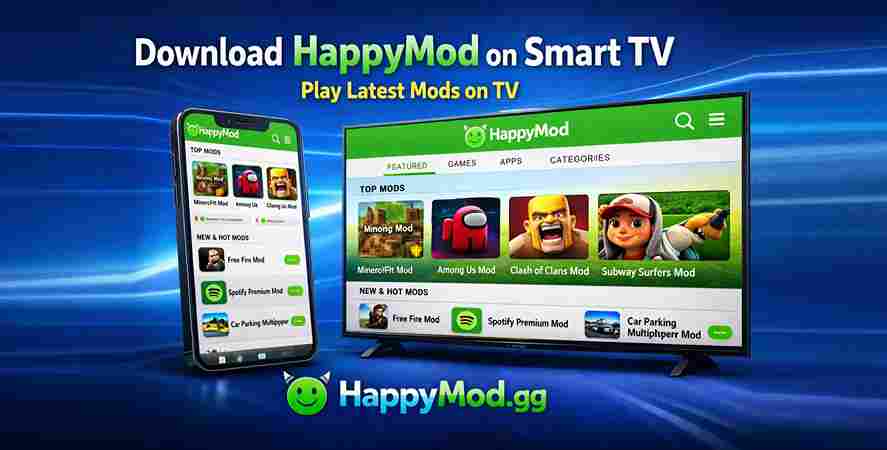
How to download HappyMod on Smart TV
HappyMod is an application designed for downloading modified applications. This application allows users to install modified games and apps for free. These modified versions of apps and games have all unlocked features and unlimited coins. This application was designed originally for Android users.
But with the passage of time, its popularity is increasing day by day. Now, people who don't have an Android also want to install this application on their devices. People who use Smart TVs more often are now looking for different ways to download HappyMod on Smart TVs.
This article will help you install HappyMod APK on your TV. This will also help with methods to use this APK on your TV without any confusion and hassle.
What is HappyMod?
HappyMod works as an app store designed for Android phones. This app store has a huge collection of modified versions of different applications and games. These versions provide you with paid features or VIP features only after installing the application.
In a modified version of the game, users can get unlimited coins or money for free. This version acts similarly to the paid version, where you can enjoy an ad-free experience. Users love this application as it also provides many gaming options. This APK file is not found on any app store. The only way to install this application is through the HappyMod APK official website.
Is it possible to install HappyMod on a smart TV?
HappyMod APK can be installed on a smart TV, but only on those that have an operating system similar to that of an Android phone. Users who have Sony, Google, Mi, TCL, Hisense, and Philips TVs can use this platform on their smart TV with ease. This is because, above all, TVs have the Android operating system.
People who have Samsung, LG, and Apple TVs cannot use this application. This is because these smart TVs have an operating system other than Android.
Requirements before installing HappyMod on a smart TV
If you want to install HappyMod APK on your smart TV, make sure you fulfill all the requirements.
- You must have a stable internet connection.
- Your TV must have an active Google account.
- For navigation, a Wireless remote or a mouse is required.
- Install the file manager app from the Play Store on your TV.
How to download HappyMod on a smart TV?
If you have fulfilled all the requirements, you can install the HappyMod app on your TV. One method is through a downloader app, and another is through using a USB drive. You can choose whatever you want according to your ease.
Method 1(download using downloader app)
Step 1
- Open the settings of your smart TV.
- Go to security or privacy. Some versions have restrictions on this.
- Enable installation from unknown sources.
- Enable installation from the downloader or file manager.
Step 2
- Now open the Google Play Store on your TV.
- Type downloader and search it.
- Install this application on your smart TV.
Step 3
- Open the downloader on your TV.
- In the search bar, type HappyMod APK download.
- You can also write the URL of the official website for more safety.
- Download the APK file of HappyMod.
- Once done, find the APK file and open it.
- This will start the installation process.
- Open the HappyMod App from the app drawer and use it for free.
Method 2(using USB drive)
Step 1
- Download HappyMod APK on your mobile.
- Attach the USB drive to your device.
- Transfer the downloaded APK file to the USB drive.
Step 2
- Attach the USB drive to your smart TV.
- Go to the file manager and find the HappyMod APK file.
- Tap on it to start the installation process.
- Once finished, open it and enjoy downloading modified versions for free.
Final words
Installation of the HappyMod app on a smart TV is not time-consuming. With proper guidance and steps, you can install this application easily. Using a downloader to get this application is the safest and reliable option. If you can, you can also go for installation using a USB drive. These options are only for TVs with Android OS. For non-Android TV, the Fire TV Stick is the best option to use this platform.